


Game UI that drops into Studio.
Ready-made UI packs and icons, added to the place you have open in Studio as one change you can undo.Ready-made UI packs and icons from Bloxmaxxing. Pick one, and Bloxmaxxing adds it to the place you have open in Studio as one change you can undo.
Ready now
Made by Bloxmaxxing. Original art: no other game’s assets, logos or the Robux logo.
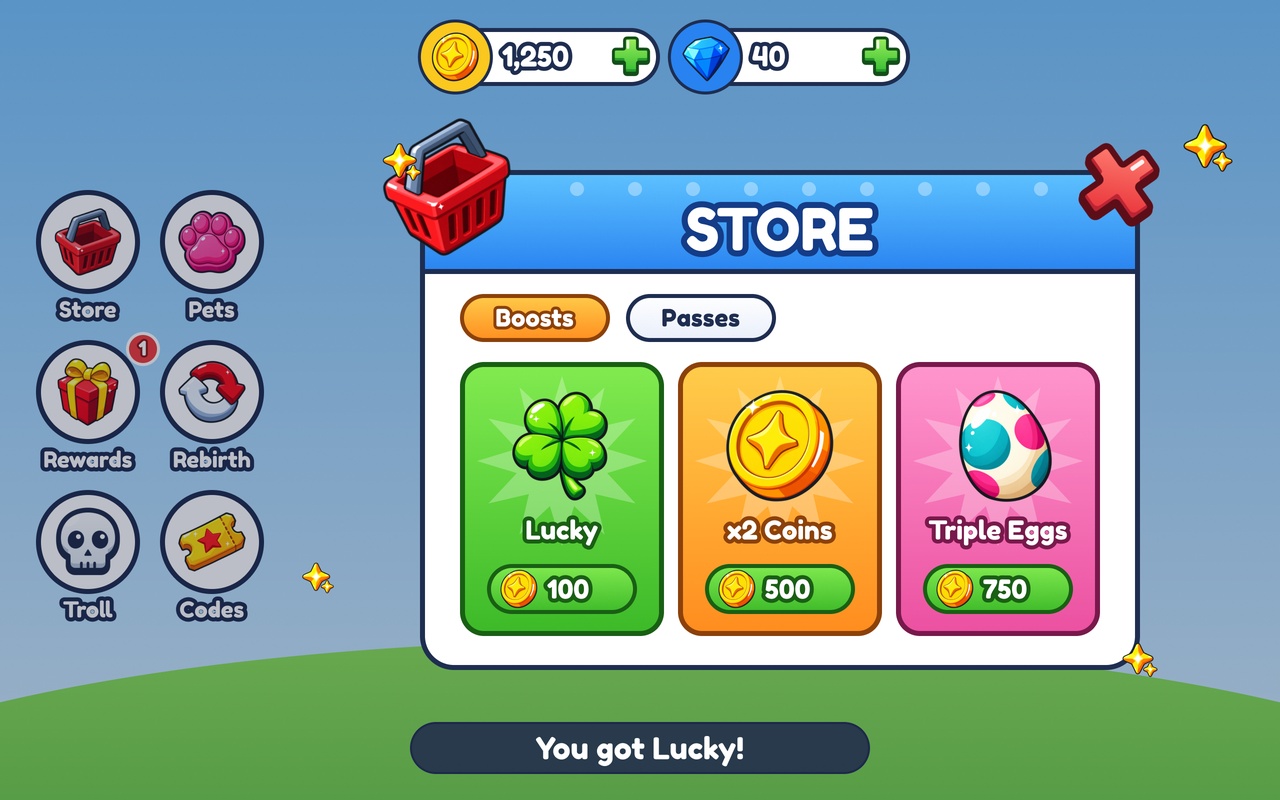
Cartoony UI Pack
Round side buttons with glossy icons, coin and gem pills and eight popups.The look of today’s viral Roblox simulators: round side buttons with glossy icons, coin and gem pills that tick, and eight popups: Store, Inventory, Rewards, Rebirth, Index, Troll, Codes and Settings.
Cartoony12 pieces28 icons8 popups
12 pieces28 icons8 popups
Add to my game
Cartoony UI PackSign in to add it
Bloxmaxxing sends the pack to your game in Roblox Studio. Sign in with your Roblox account first.
Nothing changes in Studio until you approve it. Send to Studio is your approval; one Undo in Studio takes the whole pack out.
What it changes
Cartoony UI PackIt adds one ScreenGui to the place you have open:
- StarterGui
- └ BloxmaxxingCartoonyUInew
- ├ Hudside menu, pills
- ├ Overlaytoast
- ├ Popupsfilled while playing
- └ CartoonyControllerLocalScript, 20 modules
- One Undo stepThe whole pack is one change; Ctrl+Z (⌘Z) in Studio takes it out while it is the last change.
- Nothing else changesYour scripts, parts and other UI stay as they are.
- Connect your currencyCoins and Gems are IntValues inside the pack; point them at your game’s own values.
- Game passesThe Store’s Passes tab shows where each game pass id goes.
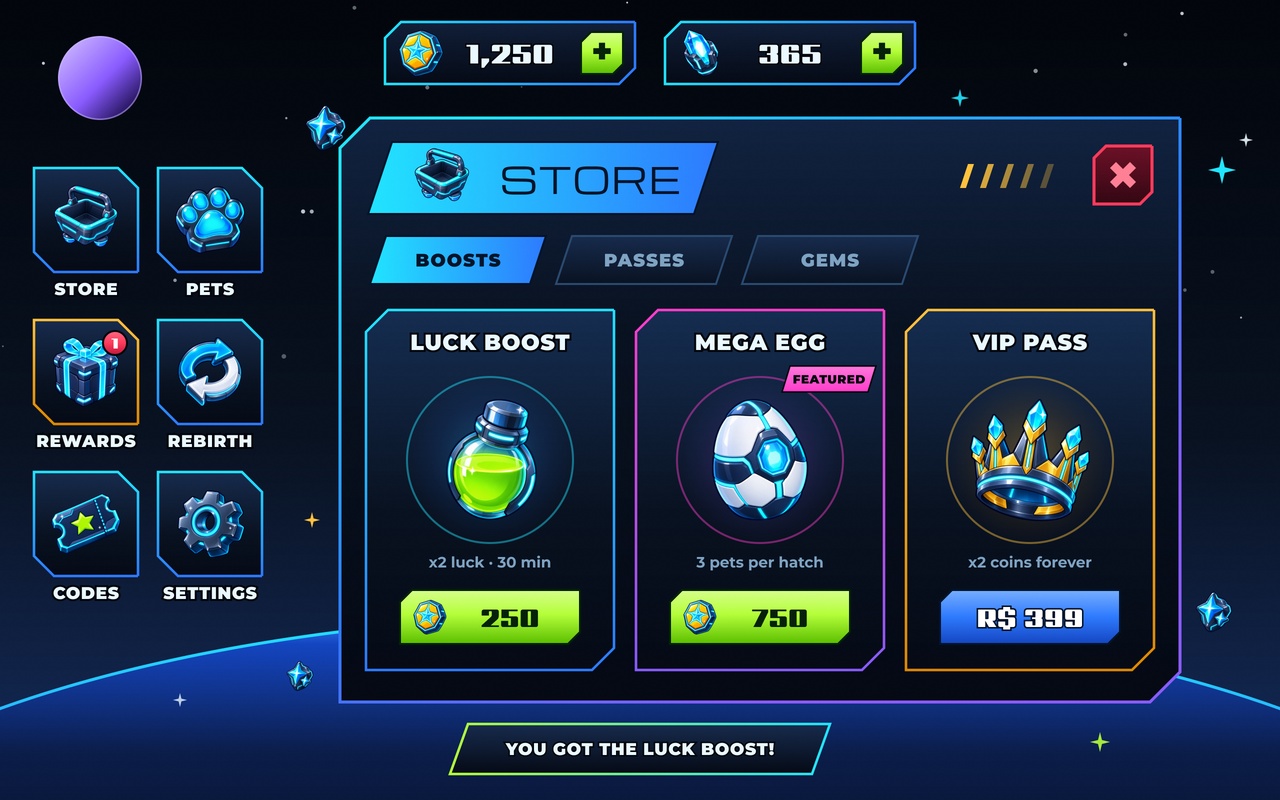
Sci-fi UI Pack
Cut-corner glass tiles with glowing edges, coin and gem pills and five popups.Chunky neon on dark glass, the look of the viral sci-fi simulators: tiles with cut corners, edges that glow and breathe, coin and gem pills whose digits roll, lime for everything you press, and five popups: Store, Inventory, Rewards, Rebirth and Settings.
Sci-fi8 pieces24 icons5 popups
8 pieces24 icons5 popups
Add to my game
Sci-fi UI PackSign in to add it
Bloxmaxxing sends the pack to your game in Roblox Studio. Sign in with your Roblox account first.
Nothing changes in Studio until you approve it. Send to Studio is your approval; one Undo in Studio takes the whole pack out.
What it changes
Sci-fi UI PackIt adds one ScreenGui to the place you have open:
- StarterGui
- └ BloxmaxxingNeonUInew
- ├ Hudside tiles, pills
- ├ Overlaytoast
- ├ Popupsfilled while playing
- └ NeonControllerLocalScript, 18 modules
- One Undo stepThe whole pack is one change; Ctrl+Z (⌘Z) in Studio takes it out while it is the last change.
- Nothing else changesYour scripts, parts and other UI stay as they are.
- Connect your currencyCoins and Gems are IntValues inside the pack; point them at your game’s own values.
- Game passesThe Store’s Passes tab shows where each game pass id goes.
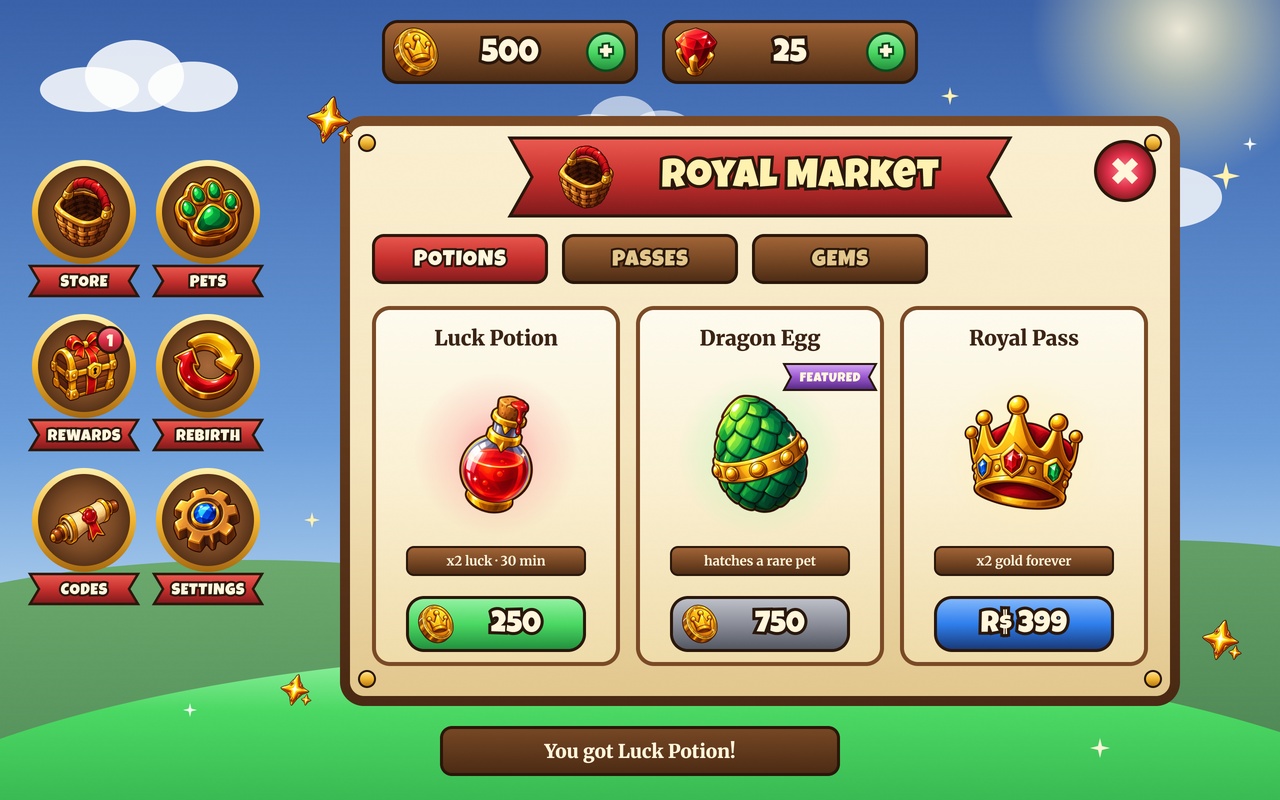
Medieval UI Pack
Parchment in wood frames, gold trim with gems, coin and gem planks and eight popups.Storybook fantasy for RPG, dungeon and kingdom games: parchment in wooden frames, gold trim with gem studs, cloth banners and wax seals, coin and gem planks, and eight popups: Store, Inventory, Rewards, Rebirth, Index, Troll, Codes and Settings.
Medieval11 pieces24 icons8 popups
11 pieces24 icons8 popups
Add to my game
Medieval UI PackSign in to add it
Bloxmaxxing sends the pack to your game in Roblox Studio. Sign in with your Roblox account first.
Nothing changes in Studio until you approve it. Send to Studio is your approval; one Undo in Studio takes the whole pack out.
What it changes
Medieval UI PackIt adds one ScreenGui to the place you have open:
- StarterGui
- └ BloxmaxxingFantasyUInew
- ├ Hudmedallions, planks
- ├ Overlaytoast
- ├ Popupsfilled while playing
- └ FantasyControllerLocalScript, 22 modules
- One Undo stepThe whole pack is one change; Ctrl+Z (⌘Z) in Studio takes it out while it is the last change.
- Nothing else changesYour scripts, parts and other UI stay as they are.
- Connect your currencyCoins and Gems are IntValues inside the pack; point them at your game’s own values.
- Game passesThe Store’s Passes tab shows where each game pass id goes.
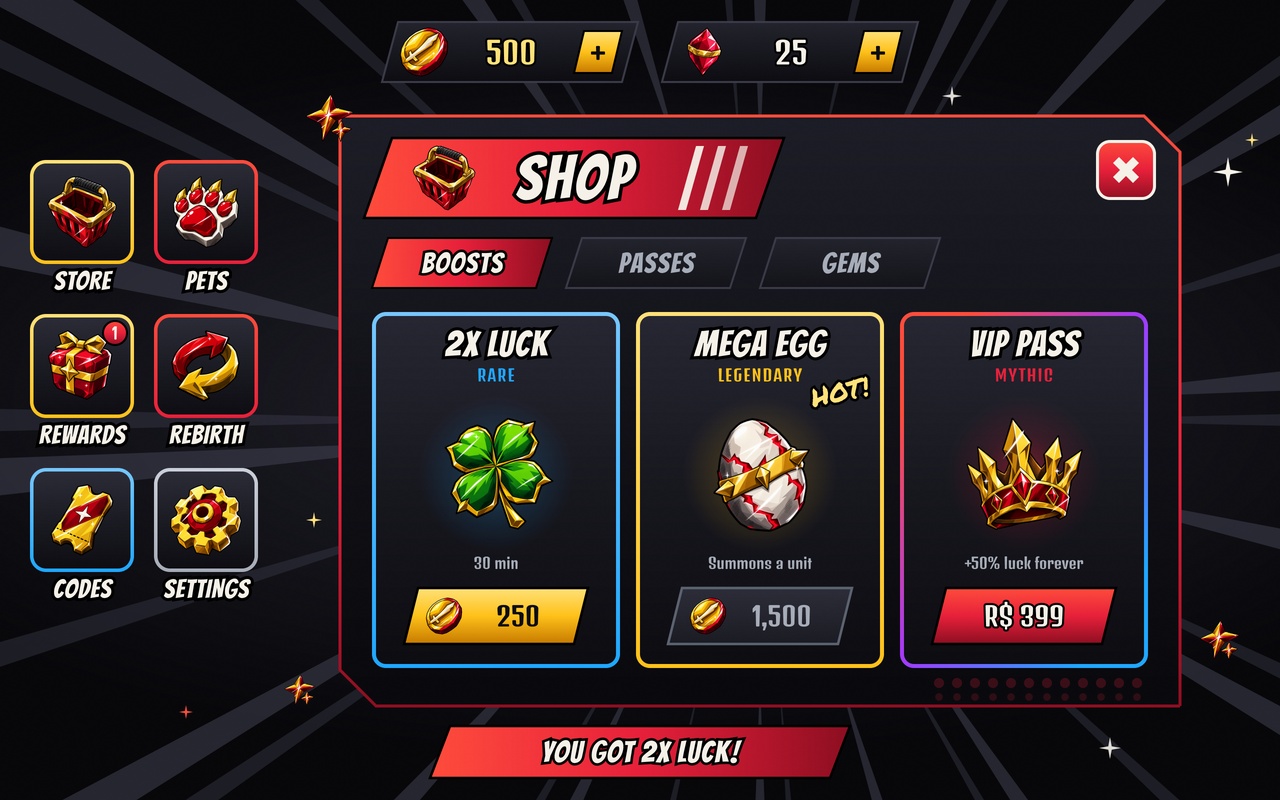
Anime UI Pack
Ink-black panels, slanted crimson and gold bars, rarity frames and eight popups.Ink battle UI for tower defense, gacha and fighting games: ink-black panels with cut corners, slanted crimson and gold bars with slash cuts, rarity frames from Common to Secret, summon reveals, and eight popups: Store, Inventory, Rewards, Rebirth, Index, Troll, Codes and Settings.
Anime12 pieces24 icons8 popups
12 pieces24 icons8 popups
Add to my game
Anime UI PackSign in to add it
Bloxmaxxing sends the pack to your game in Roblox Studio. Sign in with your Roblox account first.
Nothing changes in Studio until you approve it. Send to Studio is your approval; one Undo in Studio takes the whole pack out.
What it changes
Anime UI PackIt adds one ScreenGui to the place you have open:
- StarterGui
- └ BloxmaxxingAnimeUInew
- ├ Hudside tiles, pills
- ├ Overlaytoast
- ├ Popupsfilled while playing
- └ AnimeControllerLocalScript, 24 modules
- One Undo stepThe whole pack is one change; Ctrl+Z (⌘Z) in Studio takes it out while it is the last change.
- Nothing else changesYour scripts, parts and other UI stay as they are.
- Connect your currencyCoins and Gems are IntValues inside the pack; point them at your game’s own values.
- Game passesThe Store’s Passes tab shows where each game pass id goes.
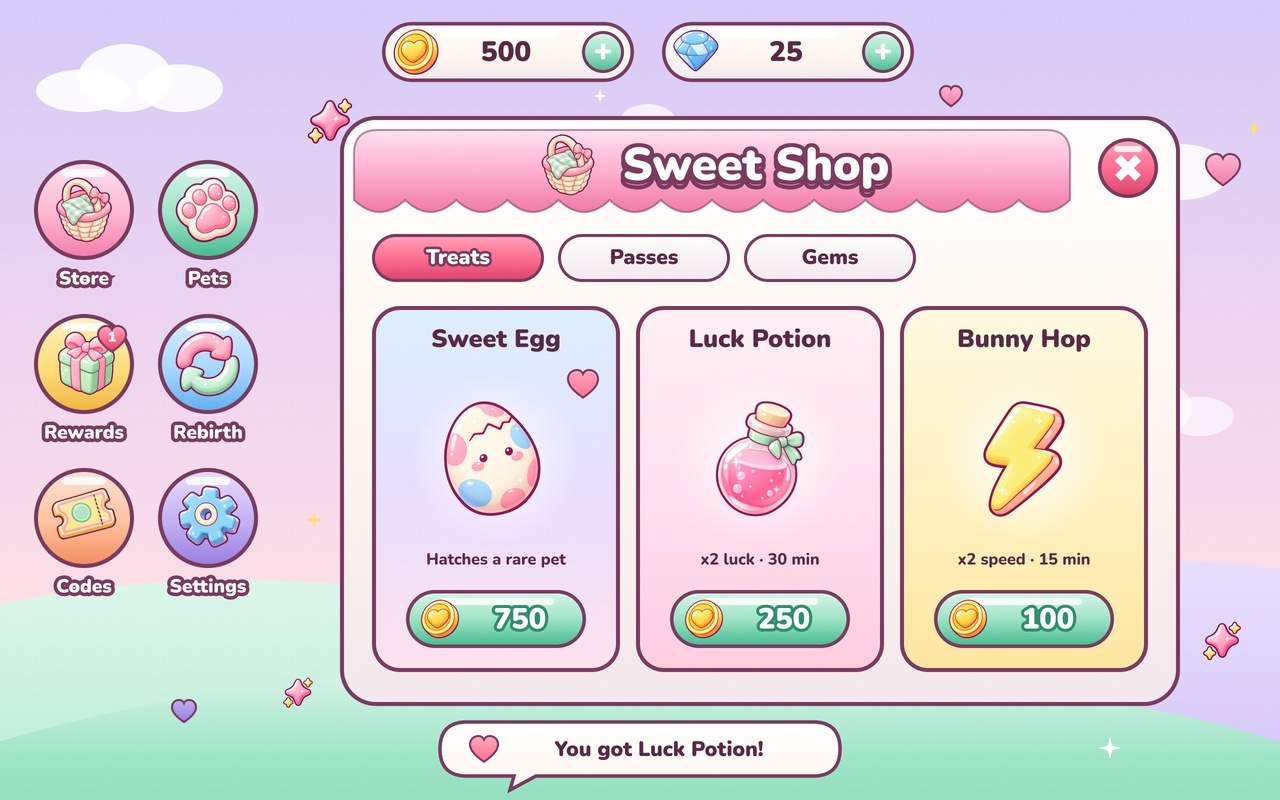
Pastel UI Pack
Jelly buttons in cream and pastels with a berry outline, coin and gem pills and eight popups.Candy-sticker kawaii UI for dress-up, pet and roleplay games: cream and pastels with one berry outline, jelly buttons with a gloss bar, scalloped headers, hearts and sparkles, coin and gem pills, and eight popups: Store, Inventory, Rewards, Rebirth, Index, Troll, Codes and Settings.
Pastel12 pieces24 icons8 popups
12 pieces24 icons8 popups
Add to my game
Pastel UI PackSign in to add it
Bloxmaxxing sends the pack to your game in Roblox Studio. Sign in with your Roblox account first.
Nothing changes in Studio until you approve it. Send to Studio is your approval; one Undo in Studio takes the whole pack out.
What it changes
Pastel UI PackIt adds one ScreenGui to the place you have open:
- StarterGui
- └ BloxmaxxingPastelUInew
- ├ Hudjelly buttons, pills
- ├ Overlaytoast
- ├ Popupsfilled while playing
- └ PastelControllerLocalScript, 22 modules
- One Undo stepThe whole pack is one change; Ctrl+Z (⌘Z) in Studio takes it out while it is the last change.
- Nothing else changesYour scripts, parts and other UI stay as they are.
- Connect your currencyCoins and Gems are IntValues inside the pack; point them at your game’s own values.
- Game passesThe Store’s Passes tab shows where each game pass id goes.
28 icons, ready for Roblox
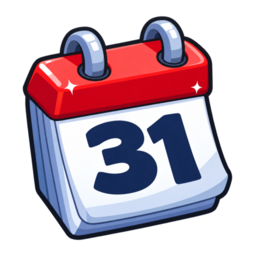
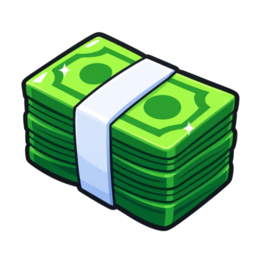
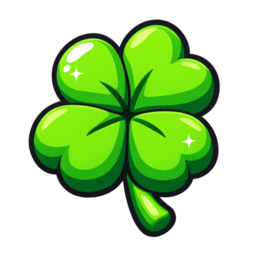
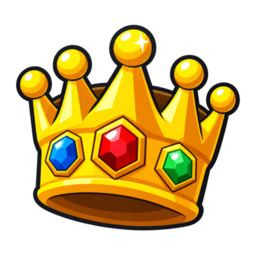
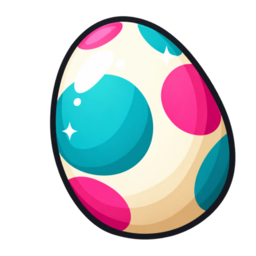
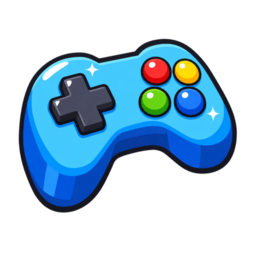
PNGs with a clear background, 512 and 256 px. Upload them with Bulk Import in Studio, or add the whole pack.The Cartoony icons come as PNGs with a clear background, 512 and 256 px. Upload them to your Roblox account with Bulk Import in Studio, or add the whole pack and its icon slots come with it.
 book
 calendar
 cash-stack
 check-badge
 close-x
 clover
 coin
 crown
 egg
 fast-forward
 gamepad
 gear
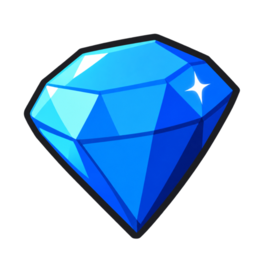 gem
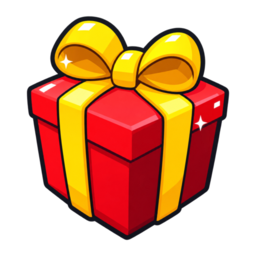 gift
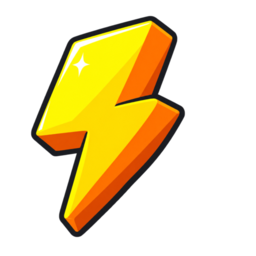 lightning
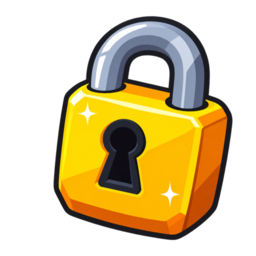 lock
 music-note
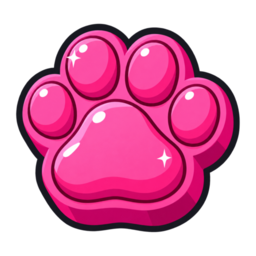 paw
 plus
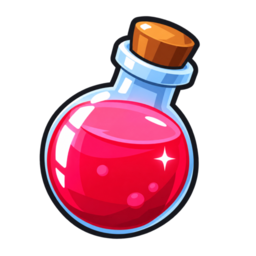 potion
 rebirth
 rocket
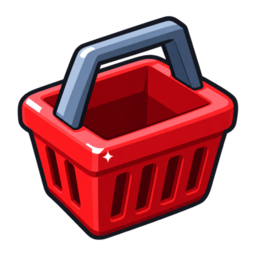 shop-basket
 skull
 sparkle
 star
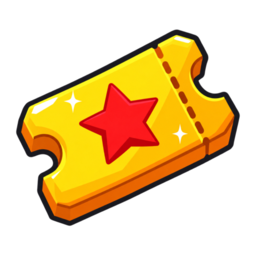 ticket
 trophy
Bloxmaxxing uploading them for you comes later: it needs your Roblox account’s permission.